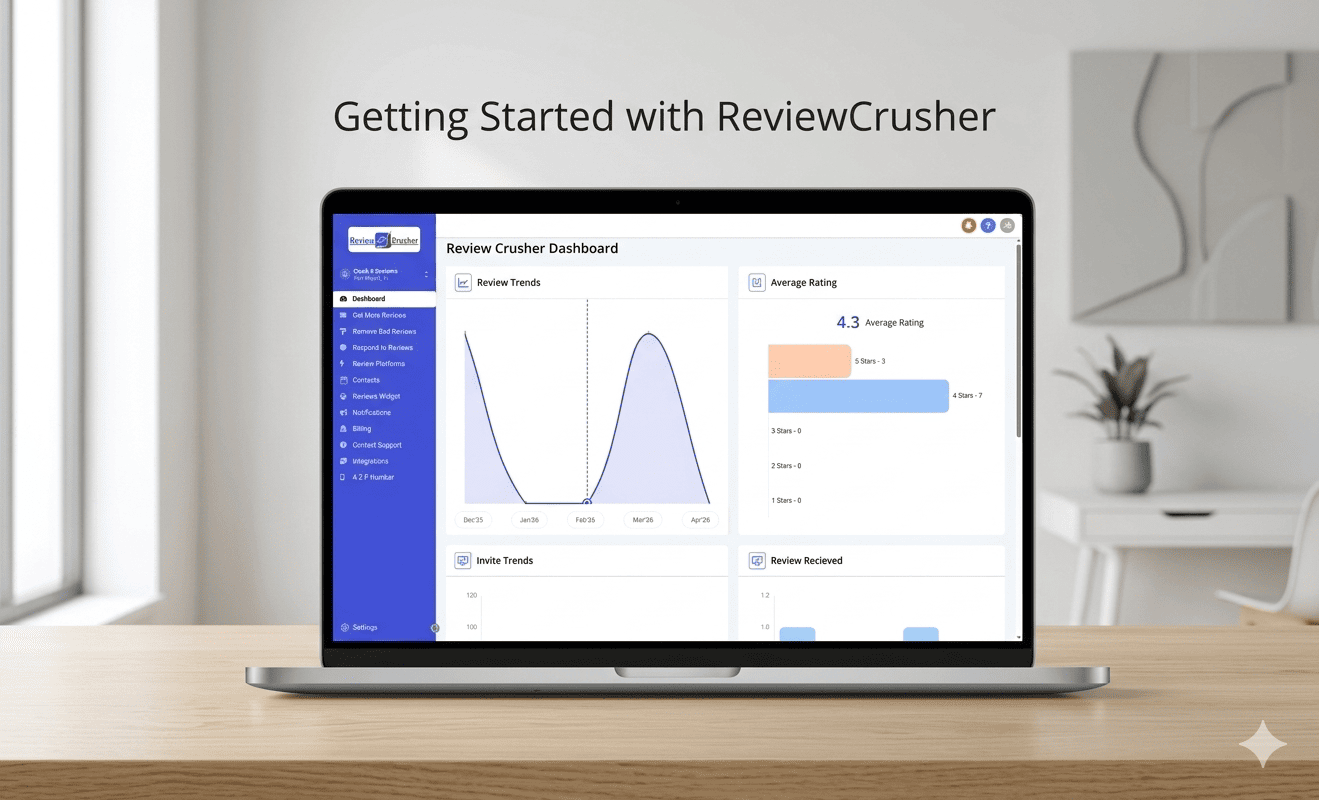
See what your customers experience and how ReviewCrusher works in seconds.
Take a pet photo, personalize the request, and send it in seconds.
Access support, watch demos, or book time with our team.
Learn the basics of setting up your account, connecting your business, and launching your first review campaign.
Learn the basic setup steps new users should complete first, including review platforms, review links, CrushPix, automated requests, notifications, integrations, billing, A2P number setup, and support.
Invite the people who help run your business and give each one the right access.
Connect Facebook, Instagram or LinkedIn so you can share your best reviews as posts.
Connect the software you use to book or bill customers, so review requests can go out automatically.
Tell us about your business in a short form so we can set up your account the right way.
Quick answers to the questions customers ask most while getting their ReviewCrusher account live.
Add a contact and send your first test review request, so you can see exactly what your customers will receive.
Create your review link and connect your Google Business Profile, so happy customers can reach your Google page.
Watch the short intro video on your Dashboard so you can see what your customers will experience.
Learn the two phases of setup, what it means for your account to be Live, and where to get help along the way.