Introduction — the moment you know this matters
You just finished a full morning of cut-and-color services, one stylist is running behind, the booking app pinged, and a client texts a screenshot: a one-star review saying they waited 25 minutes. That ping costs more than pride — it changes how new clients discover you, how many booking calls you get, and whether your best stylists keep steady hours. Reviews are not abstract metrics; they are the daily feedback loop that affects bookings, cancellations, and staff morale.
Read on and you’ll come away with a clear system you can use this week: where to ask for reviews in the service flow, exact wording to use, how to handle negative feedback without escalating, and how to automate follow-ups in a way that feels personal to clients and practical for busy teams.
Why Google reviews matter for salons (and how to think about them emotionally)
Google reviews are often the first social proof a new client sees: location, photos, and a handful of comments shape whether they call or scroll past. But in salons, reviews carry an emotional weight. A client’s praise often references a stylist, the chair conversation, or a small comfort like a warm towel. Conversely, a negative review can feel like a personal strike to a stylist’s craft.
For owners and managers, the priority is simple: treat reviews as relationship signals, not metrics alone. That changes choices you make — you train staff to ask for feedback by name, you protect peak-hour schedules from review-asking tasks, and you link reviews to follow-up care (touch-ups, retail notes, or client surveys).
Strategies to encourage happy clients to leave reviews
Asking for a review should be a natural close to a service, not a chore. Use these practical steps you can implement today.
Where and when to ask
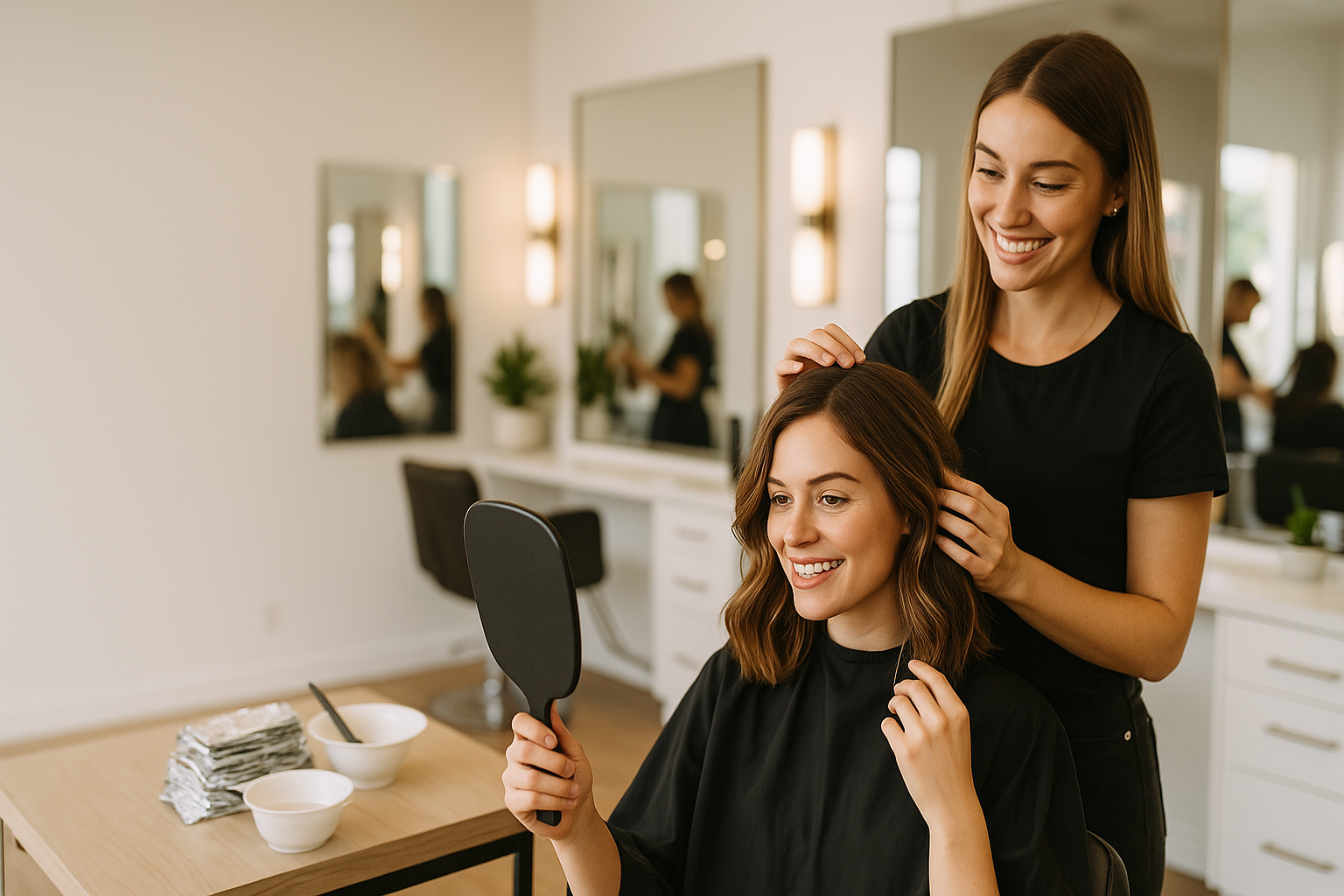
- Ask at the chair right after the client sees their finished look — while they’re looking in the mirror and still excited.
- Follow up by message 30–90 minutes after they leave, when the appointment and payment are fresh and the client is most likely to keep the moment.
- If your client books via an app or email, include a short one-click review link in the confirmation or receipt.
Exact wording that works
Keep it personal, brief, and specific to the visit. Examples you can use:
- In-person: “I’m so glad you love it — if you have a minute later, a short Google review mentioning [stylist name] really helps others find us.”
- SMS follow-up (30–90 min): “Thanks for visiting today — loved working on your color. If you can spare 60 seconds to leave a Google review about [stylist name], here’s the link: [short link]”
Note the small cues: the stylist’s name, the service, and a concrete time estimate (“60 seconds”). That makes the ask feel specific and manageable.
Handling negative reviews with grace
Negative feedback will happen. How you respond publicly and privately determines whether a single complaint becomes a long-term problem.
Public-first, then private
- Respond publicly within 24 hours with a short acknowledgment: thank them, apologize for their experience, and invite a private conversation. Example: “Thanks for letting us know — we’re sorry this happened. Can you DM or call us at [number] so we can make it right?”
- Move details offline quickly. Ask for specifics in private so you can investigate staff notes or booking history without a public back-and-forth.
Scripts and repair options
Offer real, operational fixes, not vague promises: a complimentary fix appointment, a partial refund for a clearly accepted error, or a free product if recommended care was missed. In the private message, include scheduling availability and the stylist’s name so the client sees accountability.
Even if you can’t change the outcome, a measured repair approach often leads clients to update reviews. If they choose not to, you’ve still signaled to future clients that you respond and follow through.
Automating review requests without being pushy
Staff rarely have the bandwidth to remember every ask, and asking inconsistently creates patchy results. Automation solves that, but only when it preserves the personal touch.
Practical automation pattern (safe, low-friction):
- Trigger: appointment completion in your booking system.
- First message: SMS 30–90 minutes after service, personalized with stylist name and service item.
- Second touch: automated email the next morning with a direct Google review URL and a sample line they can copy.
- Final gentle reminder: three days later only if no review is left — short and optional.
Tradeoffs: if your team is slammed during peak hours, rely on automation for initial asks and have stylists offer an in-person reminder only for clients they know well. If many clients decline SMS, favor email or an on-receipt QR code instead.
Tools that let you personalize templates and schedule follow-ups save time. For example, a review management tool like ReviewCrusher.ai can attach stylist names automatically and queue messages, so follow-ups don’t sound like templates.
Best practices for responding to reviews and integrating review work into operations
Response best practices are operational steps you can train into a weekly routine.
- Designate one person to monitor Google reviews daily (owner, manager, or a front-desk lead).
- Use short public replies: thank, acknowledge, and offer a next step. Keep it under two sentences for positives; two lines for negatives with an invitation offline.
- Record feedback in your booking notes: missed expectations, product reactions, or stylist praise — this turns reviews into practice improvements.
- Celebrate positive reviews with staff: mention them in weekly huddles or a staff chat so praise becomes part of morale and retention.
Example operational workflow: after every Saturday, your manager compiles three positive review excerpts to share in Monday’s team message and flags any negative reviews for follow-up calls the next morning. That keeps review work low-effort but consistent.
Conclusion — build reviews around relationships, not quotas
For salons, the difference between scattered reviews and a steady stream often comes down to treating every review request as a relationship touchpoint. Use a short in-chair ask, follow up 30–90 minutes later with a personal message, and set one person to monitor and respond within 24 hours. Where staff time is limited, automate the follow-ups but preserve personal details like the stylist’s name and the service performed. That approach improves your salon online reputation while protecting staff morale and client trust.
Frequently asked questions
See the FAQ panel below for quick, specific answers to common questions salon owners ask about review management.