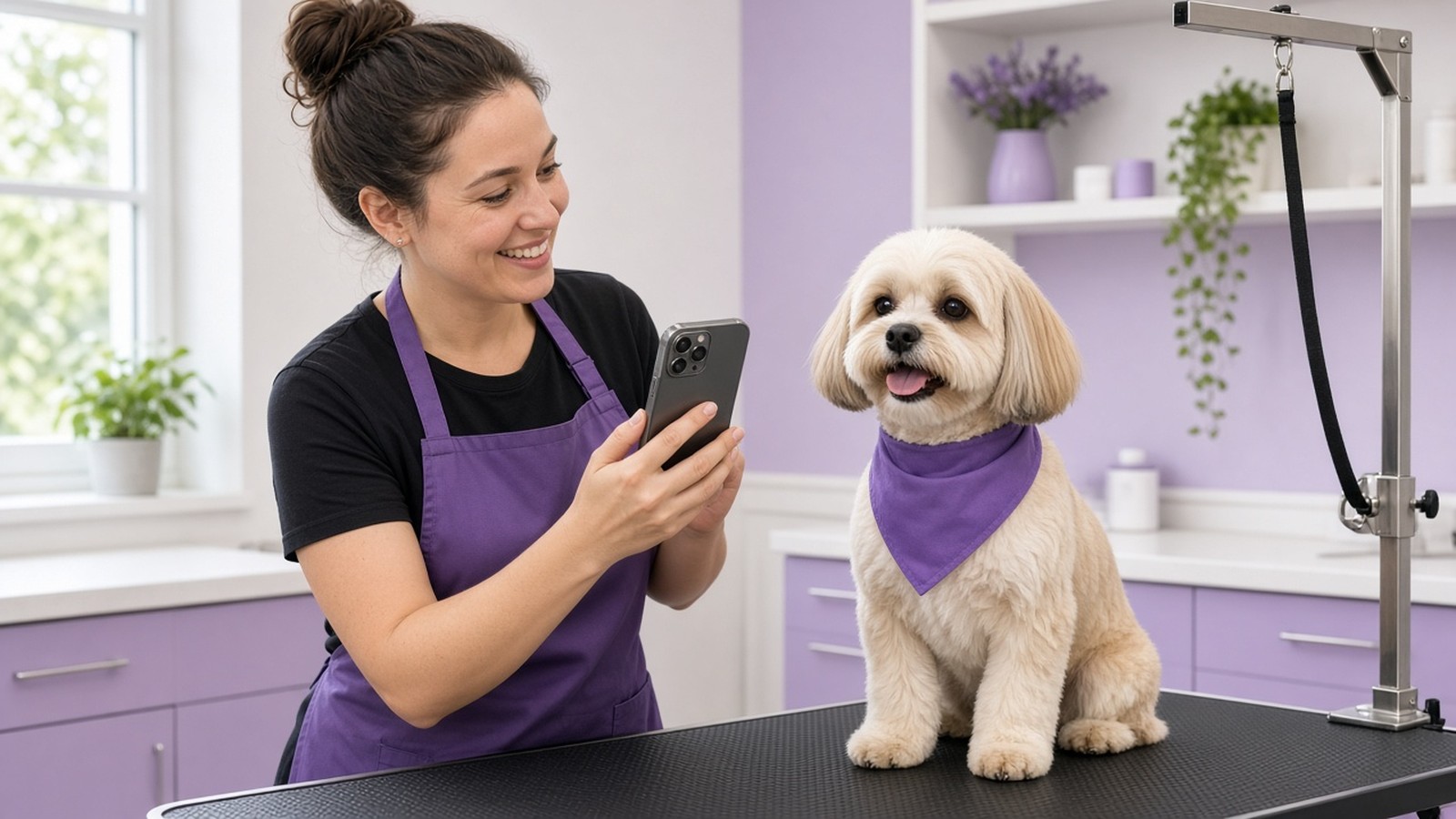
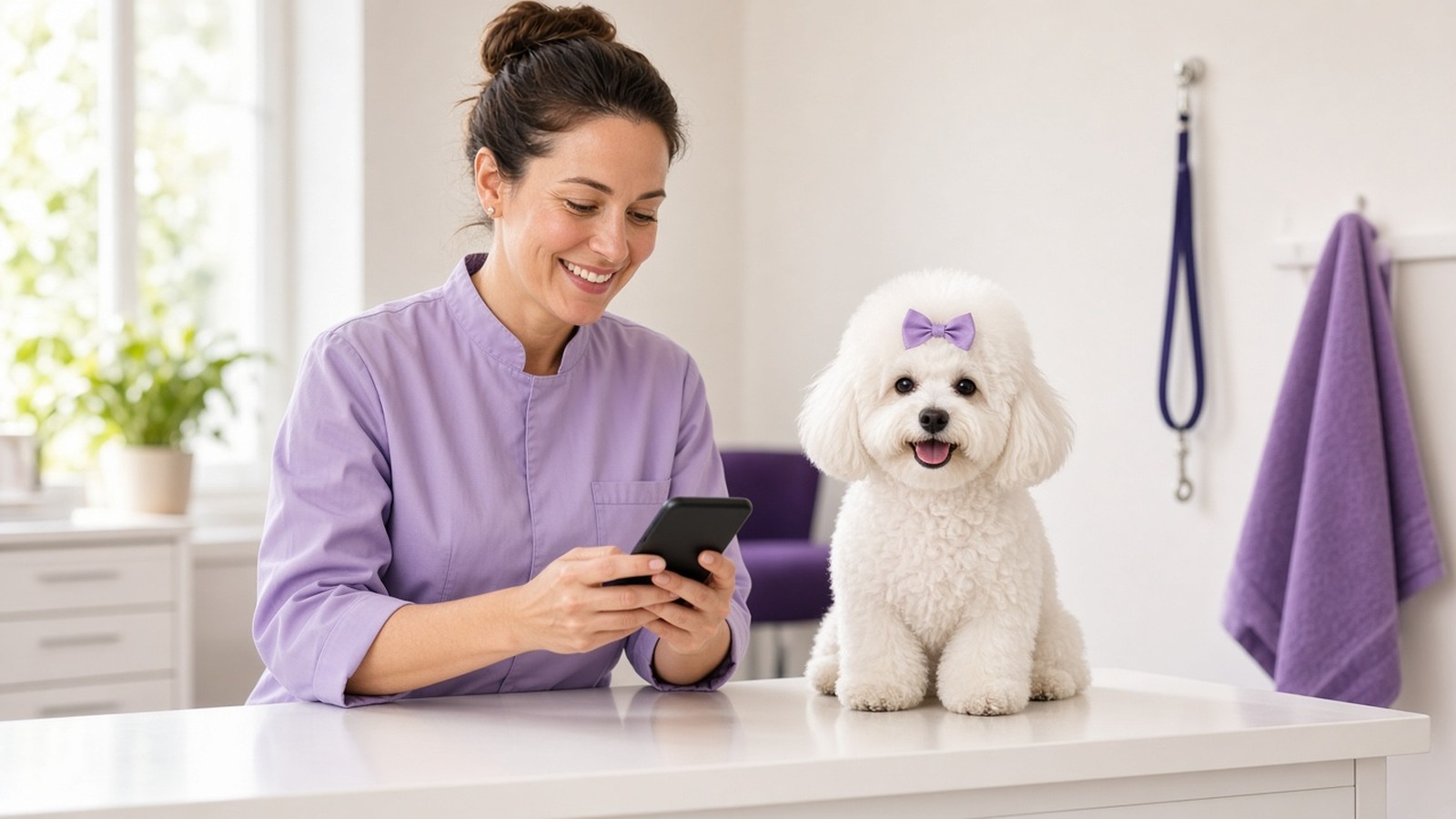
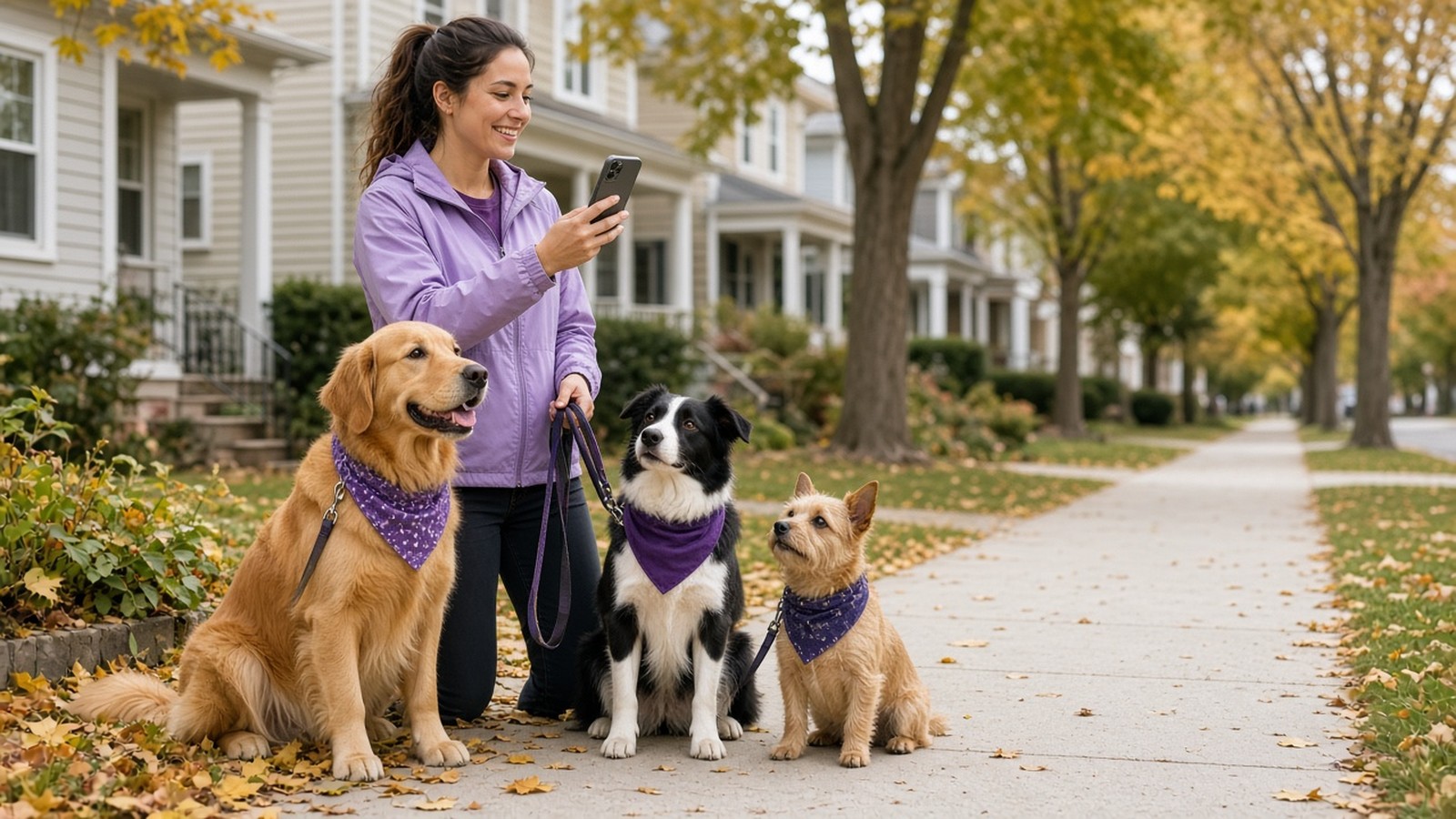
Every groomer knows the moment. A shaggy, matted pup walks in, and a couple of hours later the same dog trots out looking like a show winner. Before-and-after grooming photos capture that change better than any words can, and they make one of the most personal review requests a grooming business can send. Yet most of those transformations end up buried in a groomer's camera roll, or never get photographed at all. Here's how to capture before-and-after grooming photos quickly, and how to turn them into a review request your clients actually notice.
Why before-and-after grooming photos work so well in a review request
A generic "Please leave us a review!" text looks like every other message on a client's phone. It's easy to ignore. A photo of their own dog is different. A photo of their dog before and after is better still, because it reminds them exactly what they paid for.
At pickup, the owner only sees the "after." They're thrilled, they pay, and they head home. By that evening, the wow moment has faded. When the review request shows up with the before and after side by side, it brings that feeling right back:
- It's proof of your work. The difference speaks for itself, with no sales pitch needed.
- It's personal. It's their pet, by name, not a stock photo or a template.
- It gives them something to write about. "Look how fluffy Biscuit was!" is a much easier starting point than a blank review box.
That last point matters. Many happy clients mean to leave a review and simply don't know what to say. We covered that problem in why happy clients don't leave reviews. A before-and-after photo hands them the story.
How to take before-and-after grooming photos in under a minute
You don't need a studio or a fancy camera. You need a habit. These simple rules keep the photos quick for your team and convincing for your clients.
1. Shoot the "before" at check-in
The before photo is the one that gets forgotten. Once the bath starts, it's gone. Make it part of check-in: leash on, dog on the table or against the wall, one quick photo. It takes seconds, and it doubles as a record of the coat's condition when the dog arrived.
2. Same dog, same spot, same angle
A before-and-after only works if it's obviously the same pet. Use the same spot, a similar angle and similar lighting for both shots. A plain wall or a clean grooming table works better than a busy background. If the before is from the side, take the after from the side too.
3. Let the change be real
Don't stage it, filter it or exaggerate it. Honest photos of a clearly shaggy before and a clearly groomed after are more convincing than anything edited, and they keep your marketing truthful. If a groom was a light tidy-up, a single "after" photo is the better choice.
4. Get the after while the dog still looks fresh
Snap the after right after the finishing touches, while the bandana is still crisp and before the dog rolls on the lobby floor. A happy face, a good angle and a clean coat are all you need.
5. Know when to skip the photo
Some days are packed. Some dogs won't sit still. Not every service is a big transformation. That's fine. A missing photo should never mean a missing review request. We wrote a whole guide on how to send review requests without pet photos, because the ask matters more than the picture.
Turn the transformation into a review request
A great photo pair does nothing if it sits on a phone. Timing and tone are what turn it into a review.
Send it soon. The best window is within a few hours of pickup, while the owner is still admiring the fresh groom at home. Waiting until next week means the moment is gone.
Make it personal. Use the client's name and the pet's name, and mention the service. "Hi Sarah! Biscuit was such a good boy today. Here's his before and after from his teddy-bear cut" beats "Thanks for your business."
Ask about the visit first. A simple "How did Biscuit's groom turn out?" shows you care, and it gives anyone with a concern an easy way to tell you directly. Every client can still leave a public review. You just hear the important feedback sooner. If asking ever makes you nervous, our post on asking for reviews with confidence walks through it.
Follow up once or twice. Busy people miss texts. A friendly reminder a day or two later is often all it takes.
What to avoid with before-and-after photos
- Mixing up pets. Never pair photos of two different dogs, even similar-looking ones. Clients notice, and it undermines trust.
- Offering a reward for a positive review. Ask every client for honest feedback. Don't trade discounts for five stars.
- Only asking the clients you think are happy. Ask everyone, and listen to what you hear.
- Sharing photos publicly without checking. Sending the photos to the pet's own family is one thing. If you'd like to post them on your social pages, it's good practice to ask the owner first.
How ReviewCrusher makes before-and-after requests easy
ReviewCrusher is the review platform built specifically for pet service businesses, and before-and-after requests are one of the ways it makes a review request personal. With Snap2Review, the workflow is simple: take the before-and-after photos, find or add the customer, and AI creates personalized message choices using the client's name and pet's name. Your team picks one, edits anything they like, and sends.
From there, ReviewCrusher handles the rest of the workflow. The request asks how the visit went, which helps you hear concerns sooner and gives you a chance to respond, while clients keep access to public review options. Customers receive helpful review suggestions they can choose, edit or use as a starting point. Follow-ups can go out automatically.
And when there's no time for photos, that's okay too. Use one pet photo, a before-and-after, or let the system run on autopilot with your customized company image. It works with your existing software, or completely standalone.
It won't guarantee a certain number of reviews or five stars every time, and nothing honest can. What it does is make every request more personal and take the remembering off your team's plate. For more ideas, see our guide on how to get more Google reviews for your pet business.
The takeaway
Your grooming work is already impressive. Before-and-after grooming photos simply let your clients see it again, at the moment they're most likely to say something kind. Shoot the before at check-in, keep the angle consistent, send the request while the groom is fresh, and ask about the visit first.
Ready to turn your best transformations into review requests? Start your 14-day free trial of ReviewCrusher and see how before-and-after requests work for your grooming business.